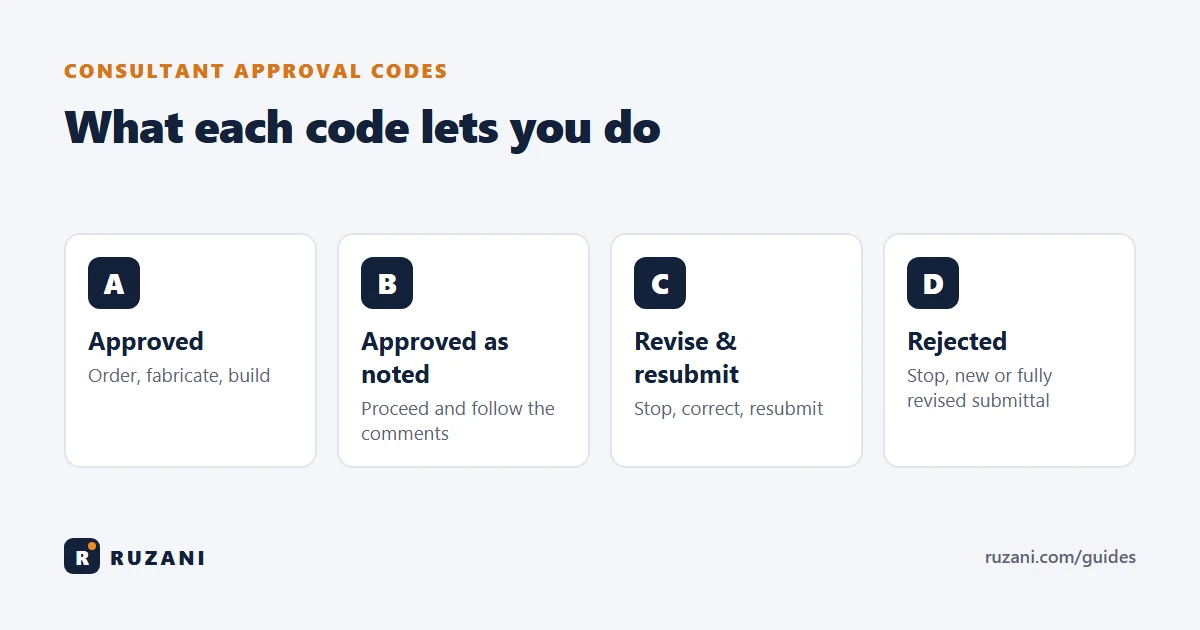
Short answer: on most construction projects the consultant returns submittals with a status code. The most common system is: Code A – Approved, Code B – Approved as noted (approved with comments), Code C – Revise and resubmit, and Code D – Rejected. A and B let you go ahead (with B you must follow the comments); C and D mean you must not proceed until a revised submittal is approved. The exact meaning is set by your contract, so always read the legend on the stamp.
The four codes at a glance
| Code | Meaning | Can you order / build? | Resubmit? |
|---|---|---|---|
| A | Approved | Yes | No |
| B | Approved as noted / with comments | Yes, following the comments | Usually no (sometimes "B – resubmit for record") |
| C | Revise and resubmit | No | Yes |
| D | Rejected / not approved | No | Yes, a new or fully revised submittal |
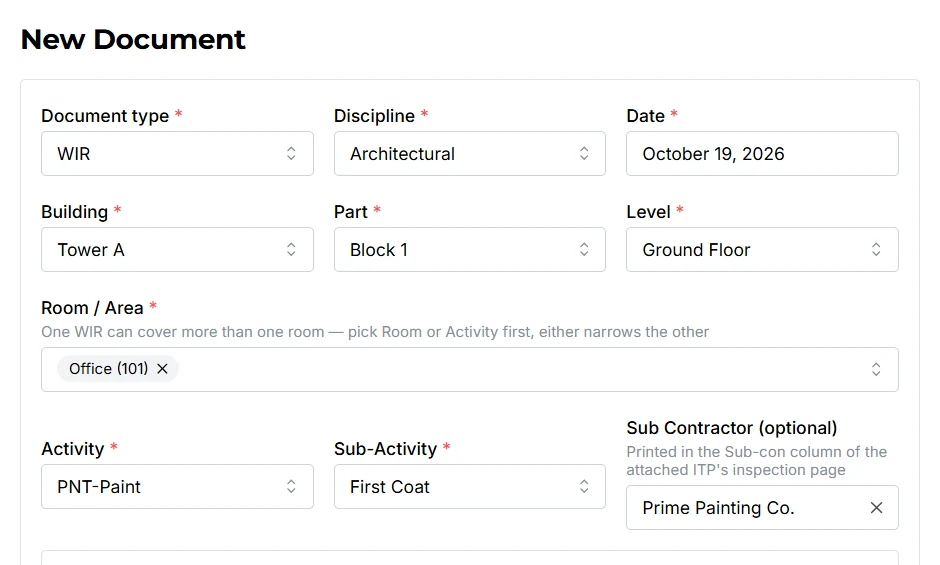
These codes are used on almost every type of submittal: MARs, shop drawings, method statements, ITPs and, on many projects, WIRs and MIRs too.
What each code means in practice
Code A – Approved
The submittal is accepted without comments. You can order the material, start fabrication or proceed with the work. Note that approval does not release the contractor from the contract: if the approved document contains an error that breaks the specification, the contractor is usually still responsible.
Code B – Approved as noted
The submittal is accepted, but the consultant has added comments that you must follow. Example: "Approved. Provide 50 mm cover to bottom bars as per specification, not 40 mm as shown." You may proceed, but the comments become part of the approval.
The most common mistake with Code B: the site team sees "Approved" and never reads the comments. Always share the comments with the site engineer and the supplier, and check them during the WIR or MIR inspection. Many NCRs start here.
Code C – Revise and resubmit
The submittal is not accepted in its current form. Something is missing or wrong, such as a test certificate, a calculation, a dimension or a compliance statement. You must not order, fabricate or build until a revised submittal comes back as A or B.
Code D – Rejected
The submittal is not acceptable at all. For a MAR, this often means the product does not meet the specification, so a different product is needed. For a WIR, it means the work failed inspection and must be corrected before it is inspected again.
Variations you will see
Codes are not a world standard. Each consultant and client defines their own in the specification (often in the "Submittals" section). Common variations:
- Numbers instead of letters: Code 1, 2, 3, 4 with the same meanings.
- Code B with resubmission: "Approved as noted, resubmit" means you may proceed, but must send a corrected version for the record.
- Code E or "For information only": reviewed but no approval needed.
- Government and military projects use their own systems, where a "C" can mean something quite different.
- Inspection results on WIRs are sometimes written as "Accepted", "Accepted with comments", "Not accepted" instead of letters.
Always read the legend printed on the consultant's stamp or in the specification. When in doubt, ask the consultant in writing.
How to resubmit after Code C or D
- Read every comment. Make a short list of what must change.
- Fix the cause, not just the paper. Get the missing certificate, correct the drawing, or choose a compliant product.
- Raise the revision. Keep the same document number and increase the revision (for example Rev 00 to Rev 01). Do not create a new number for the same submittal unless your procedure says so.
- Answer the comments. Add a comment-response sheet showing how each comment was addressed.
- Resubmit and log it. Update the register with the new revision, date and status "Under review".
Tracking codes in your registers
Every register (MAR, WIR, MIR, shop drawing) should have a status column with the latest code and revision. In weekly meetings the first question is usually "How many Code C submittals are open, and since when?". Keep the history too: a MAR that went Rev 00 = C, Rev 01 = B shows the full story.
This is a big part of the document controller's job. On busy projects, a register that updates itself saves hours every week; see Excel vs software for registers. For how all documents fit together, read QA/QC documents in construction.
FAQ
What does Code B mean in construction?
Code B usually means "approved as noted" or "approved with comments". You may proceed, but you must follow the consultant's comments.
Can I start work with Code C?
No. Code C means revise and resubmit. You should not order, fabricate or build until the revised submittal is returned as Code A or B.
What is the difference between Code C and Code D?
Code C means the submittal needs corrections and can be resubmitted. Code D means it is rejected, often because the product or work does not meet the specification at all.
Where are approval codes defined?
In the project specification, usually the general requirements section about submittals, and on the consultant's review stamp.
Do approval codes apply to WIRs?
On many Gulf projects yes. WIRs and MIRs are returned with the same A, B, C, D codes, or with "accepted / accepted with comments / not accepted".